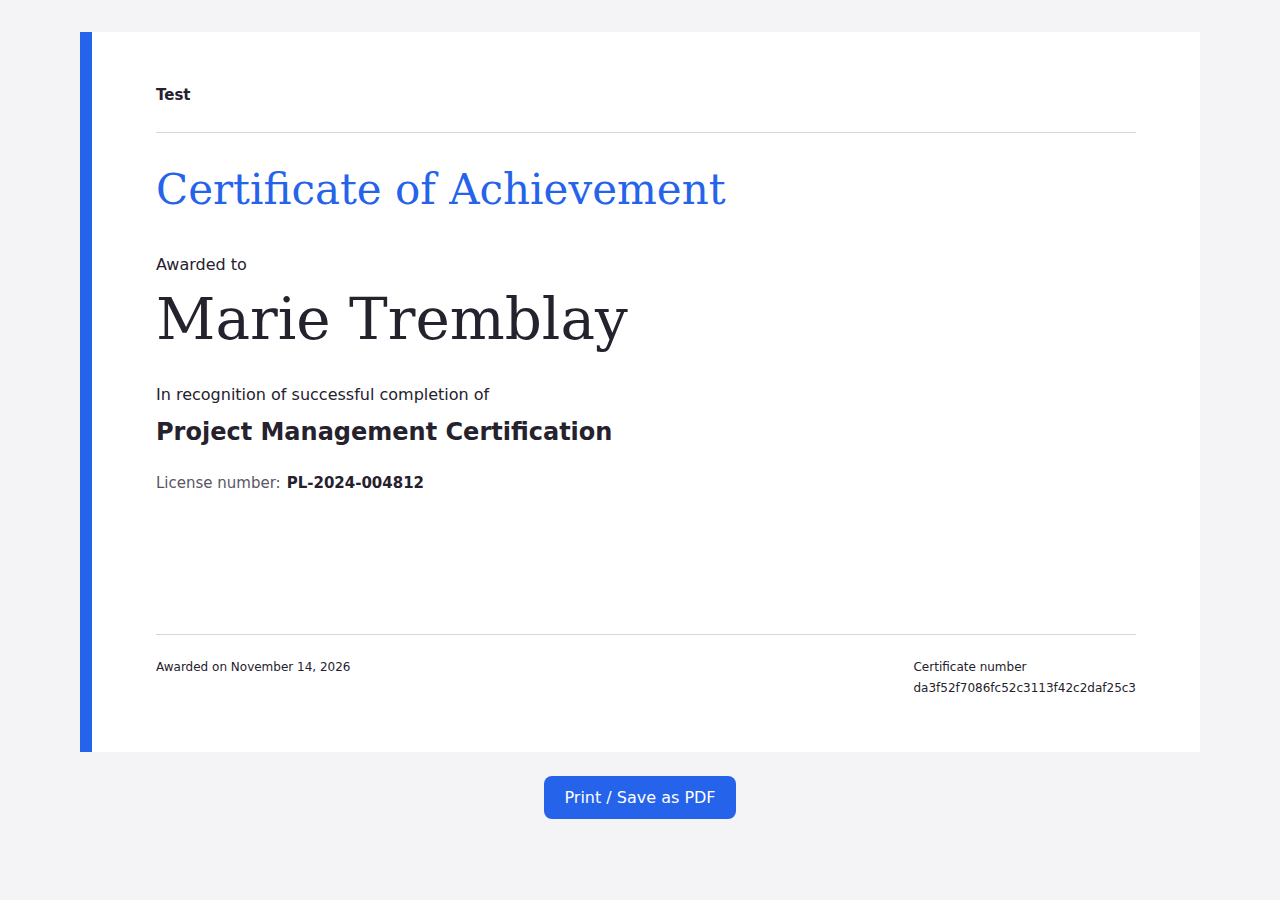
It’s now possible to display custom fields on your course certificates. This is particularly useful when you need to include student-specific information, such as a professional license number, on a certificate.
How to Include Custom Fields
- First, create the custom field in Tools → Custom Fields within your CRM module.
- In your course certificate settings, select the custom fields you want to display on certificates.
- Students will be prompted to complete their profile, including any required custom fields, before obtaining their certificate.
- The information they provide will automatically appear on their certificate.
Configurable Quiz Passing Score
You can now configure the minimum percentage of correct answers required to pass a quiz, as well as the maximum number of attempts allowed.
Passing a quiz can be one of the requirements for unlocking a course certificate. These new settings give you greater control over your assessments and help ensure that students meet your quality standards.