Create an invoice in minutes and get paid fast, online.
Professional invoices sent in a few clicks, with a payment link so your client can settle up right away.
Creating an invoice in Parle takes only a few minutes: add your line items, taxes, and client information, then send it. If you have connected your Stripe account, your client receives a payment link directly in the invoice email and can easily pay by credit card. Fewer delays, fewer manual follow-ups, and a healthier cash flow.
Try it now →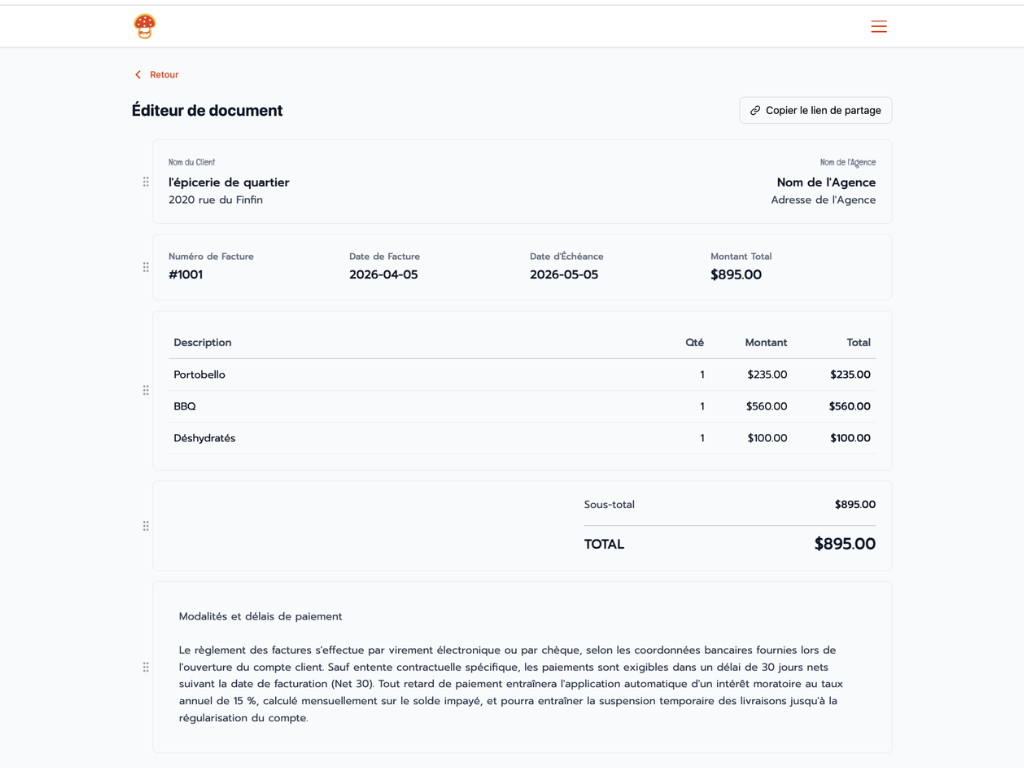
Custom fields to meet your needs
Some industries or clients require additional information on an invoice: purchase order number, internal reference, project identifier. Parle lets you add custom fields to your invoices so you can include exactly what you need alongside the standard information Parle already handles.
Online payment via Stripe
Connect your Stripe account once and every invoice you send automatically includes a secure payment link. Your client can pay by credit card directly from their email, without creating an account or any extra steps. You are notified as soon as payment is made, and the invoice is automatically marked as paid.
Tax management and remittance report
Apply applicable taxes to your invoices: GST, QST, or any other tax configured for your business. Parle compiles a tax report that makes quarterly remittances easier. No more manual calculations at the end of the quarter: everything is already there, organized and ready to use.
Automatic reminders at 30, 60, and 90 days
Stop keeping track in your head of who owes you money. Parle automatically sends payment reminders to your client at 30, 60, and 90 days after the due date of an unpaid invoice. You stay professional without having to follow up manually. You maximize your chances of getting paid without an awkward conversation.
Every invoice is linked to a contact in your CRM, included free
The invoicing module relies directly on the Parle CRM, included free of charge in all applications. Every invoice is associated with a contact, giving you a complete transaction history for each client: amounts invoiced, payments received, and pending invoices. You can trigger an automation when payment arrives, assign a tag, or schedule a follow-up without manual intervention. Your finances and client relationships in one place.
Try it now →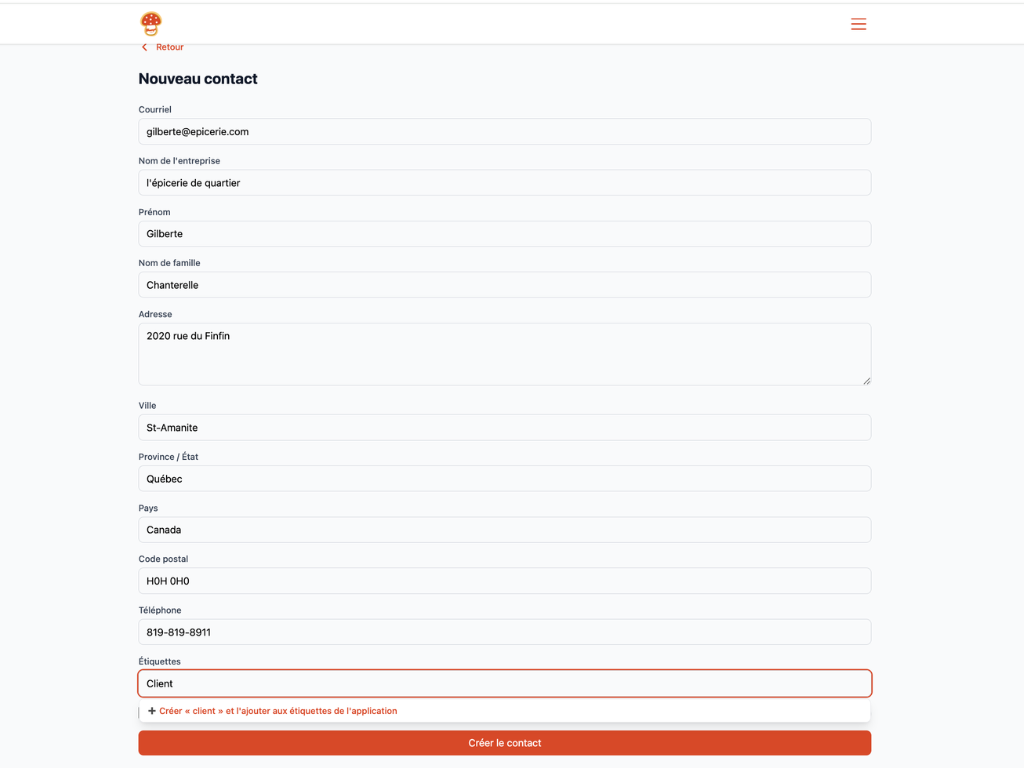
Workflow automation: the engine behind Parle
At the heart of the platform sits the CRM, included free of charge. All your contacts are centralized in one place: visitors, clients, subscribers, learners. Build custom queries to segment your list by any criteria, and add custom fields to store the information that actually matters to your business. Tags play a central role across all of Parle: they trigger email sequences, control access to content, and power all your automations. Adding a tag to a contact sets a gear in motion and lets Parle do the work for you.
Try it now →Other tools to develop your offering
Combine invoicing with proposals for a complete client process, from proposal to payment.