The main menu configuration is found in the Website module settings. Click the gear icon (Settings) in the module toolbar to access it.
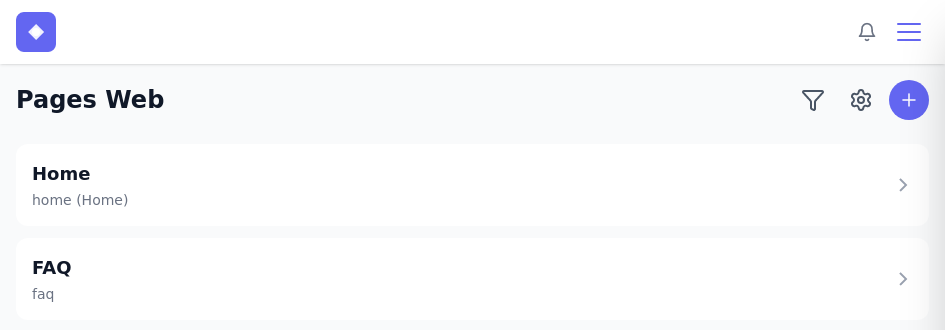
The website settings are organized into four tabs: General, Menu, Brand, and Advanced.
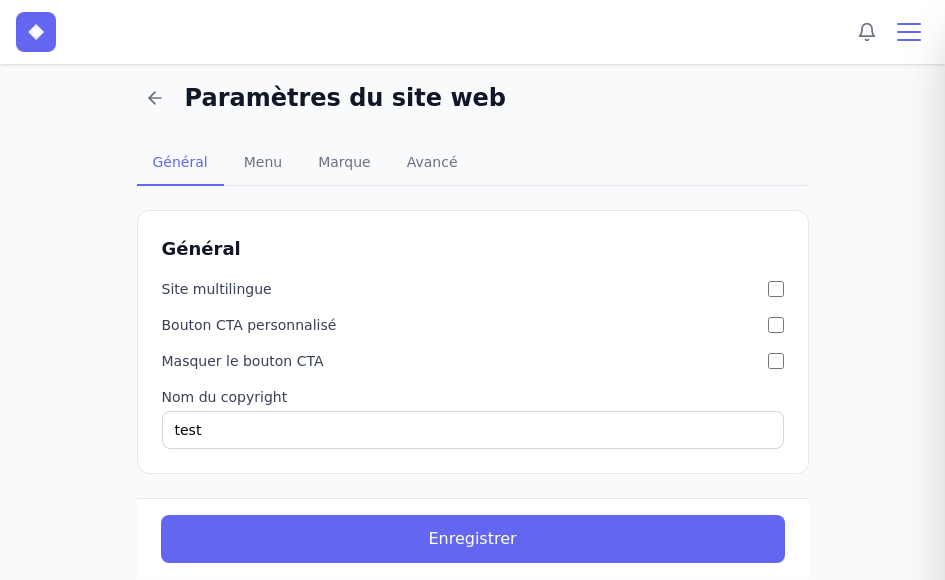
The General tab contains a few important settings:
- Multilingual site – enable this option if your site needs to be available in both English and French. You will then have two separate menus to configure, one per language.
- Custom CTA button – lets you customize the label and URL of the login button displayed in your menu. By default, this button points to the client portal where your clients can view their purchases, invoices, courses, etc.
- Hide CTA button – completely hides the login button in the navigation.
- Copyright name – the name displayed in the footer of your site.
Menu item types
Before adding your links, it helps to understand the three types of items you can include in your menu:
- Page – pages you have created in the Website module. They must exist before they can be added here.
- Module – public pages automatically managed by certain modules. The Podcast, Courses, Store, and Booking modules, for example, have their own pages you can display directly in your menu.
- External link – useful if you need to point to a resource external to your site.
Main navigation menu
Click the Menu tab to manage your main navigation and your footer.
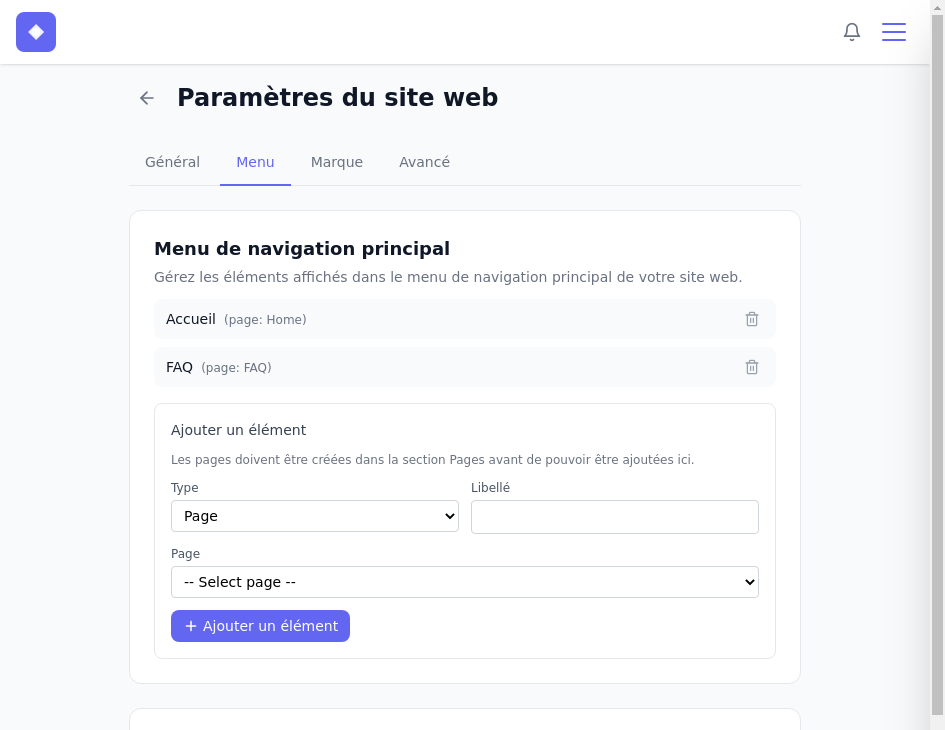
For each item, choose a Type (Page, Module, or External link), enter a Label (the text displayed in the menu), then select a page or enter a URL based on the chosen type. Click + Add item to add it to the list.
Added items appear above the form. You can delete them individually with the trash icon.
Footer
The Footer section works the same way as the main menu – same item types, same add form.
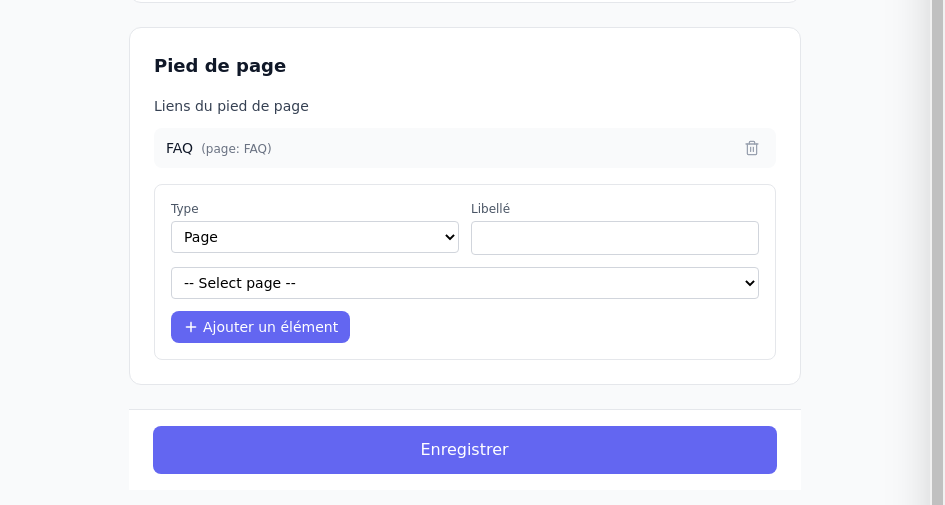
Click Save when you are finished. The changes appear immediately on your public site.
Bilingual site
If you enable Multilingual site in the General tab, you will have two main menus and two footer configurations to manage – one per language. The default language corresponds to the primary language of your application. Pages created in the other language will have a language prefix in their URL, which is beneficial for SEO.