Each invoice has a secure client page. From the document editor, click Copy sharing link to copy its address.
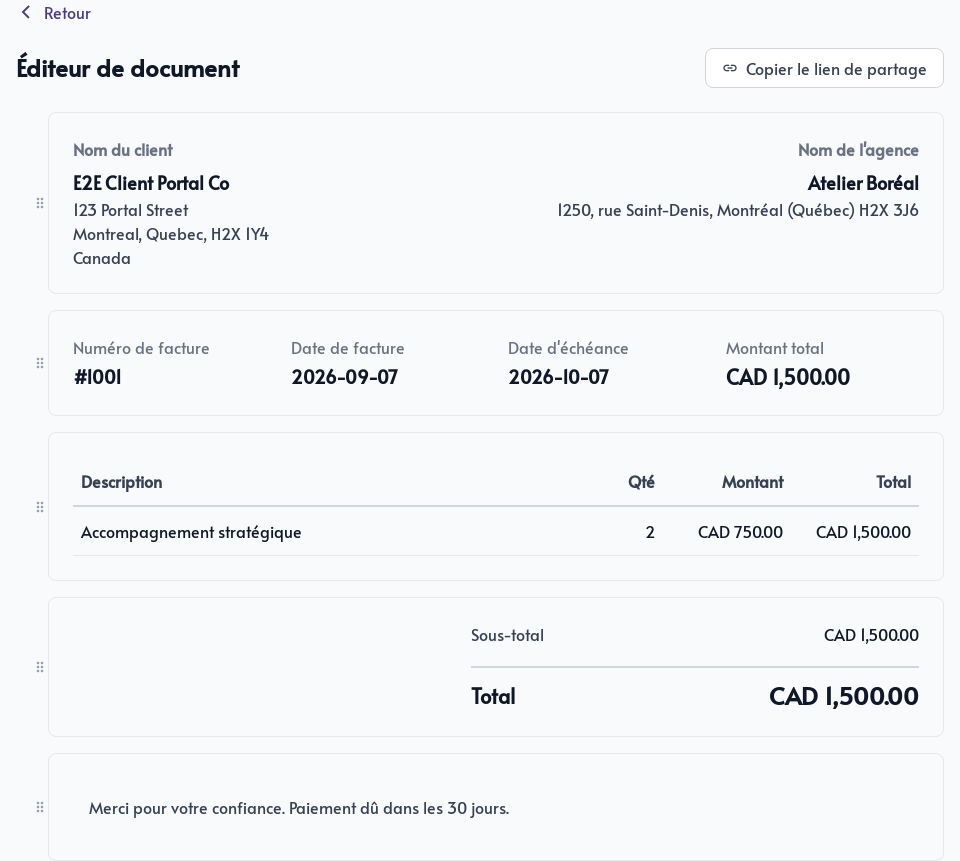
Open the link to review the invoice before sending it. The client does not need to sign in to Parle to view the page.
The public invoice
The page presents:
- The client’s and your business’s contact details
- The invoice number, issue date, and due date
- Invoiced line items, quantities, and amounts
- The subtotal, applicable taxes, and total
- The note added to the document
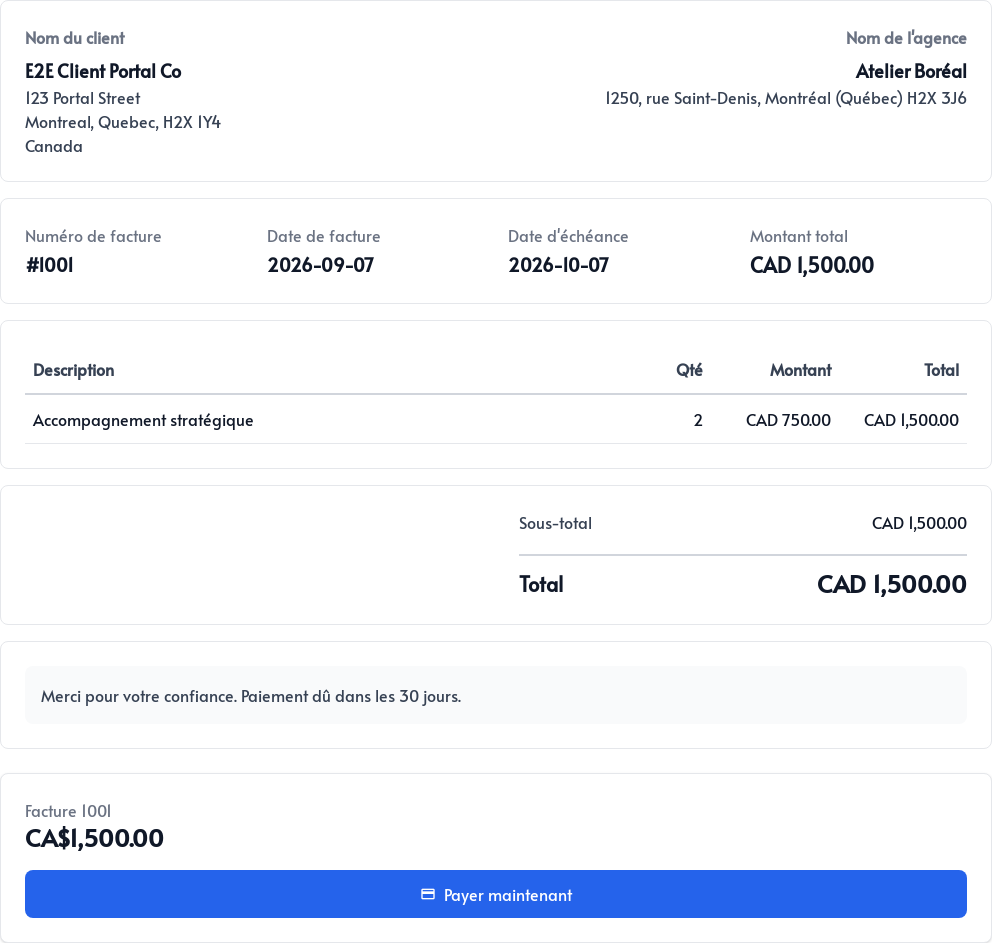
When online payment is enabled, a Pay now button appears. The client can then pay by card through Stripe, which processes the payment information.
Once confirmed, the payment is associated with the invoice so its status and balance can be tracked in the administration area.
Share the link yourself or use Send to client from the detail page to email it.