In Parle, a course is organized like a book: the course is the main container, chapters group related topics, and lessons contain the material your students use.
To begin, open the module menu in the upper-right corner and choose Courses. Click the + button to open the Add course form.
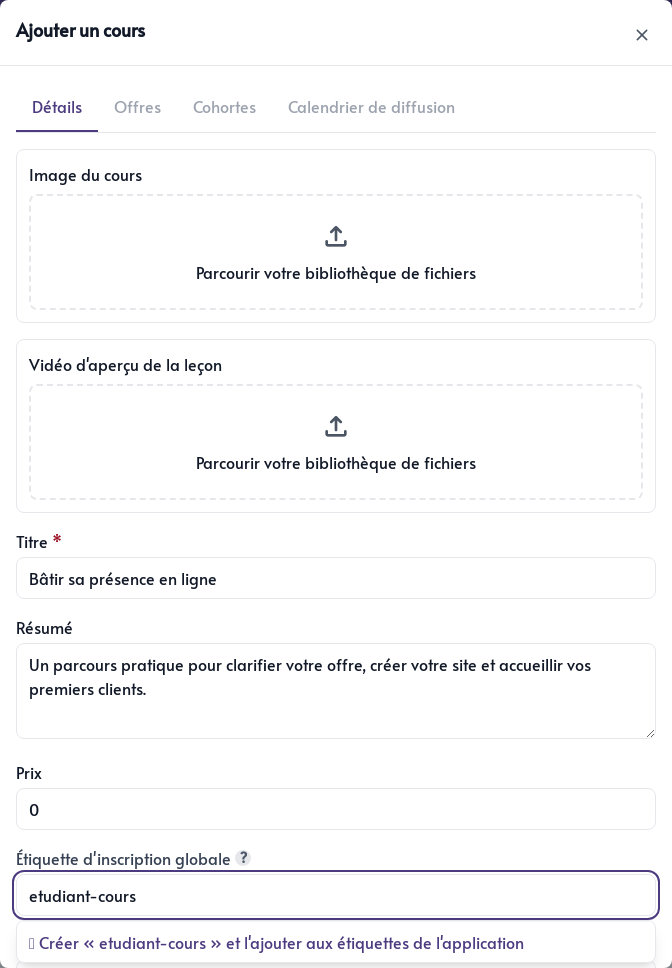
Present your course
First, fill in the information that will help your students understand what you are offering:
- Course image – the cover image displayed during the student journey.
- Preview video – a short introduction students can watch before starting.
- Title – a short name that describes the result or main subject.
- Short description – a few sentences explaining who the course is for and what they will learn.
- Price – enter
0for a free course or the amount charged as a one-time payment. - Global enrolment tag – a tag added to the student’s CRM contact that can be used in filters and automations.
- Language – the course content’s primary language.
A good image and clear description make the course easier to recognize in the portal. You can update this information at any time.
Choose the access period
The Course access field determines how long a student can use the course:
- Lifetime access – the course remains available indefinitely after enrolment or purchase.
- Fixed access period – access lasts the number of months or years you choose from the purchase.
- Cohort access – students join a group with scheduled enrolment and access dates.
- Active subscription – access remains open as long as the monthly subscription is active.
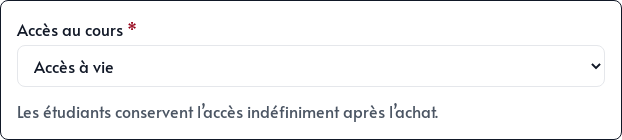
Choose the simplest option for how you teach. A self-paced course generally works well with lifetime access or a fixed period. Group training held on specific dates is better suited to cohorts.
Payment offers and cohorts are configured after you first save the course. See Offers and cohorts for details.
Save and open the course
Click Save. The course immediately appears in the module list with its number of chapters and price.
Click its card to open it. A new course does not have any chapters, so Parle prompts you to create the first one.
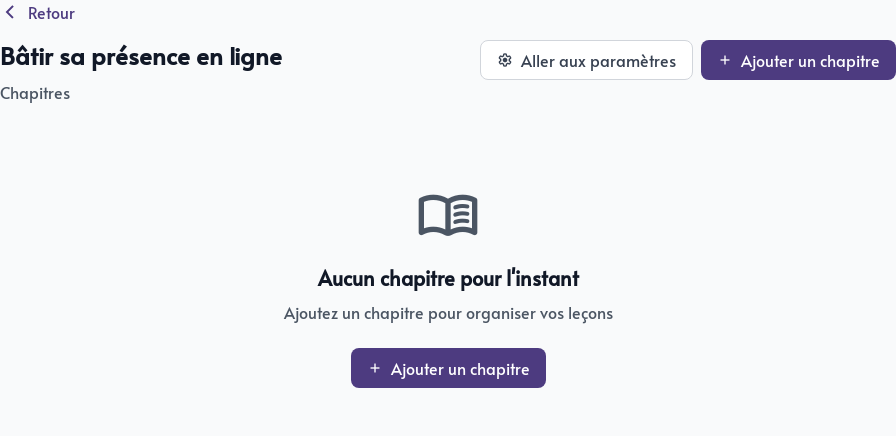
Next, divide your subject into chapters and create the lessons your students will follow.