Visitors do not need a Parle account to book an appointment. They can open the public list at /pb/ or use a specific page’s direct link.
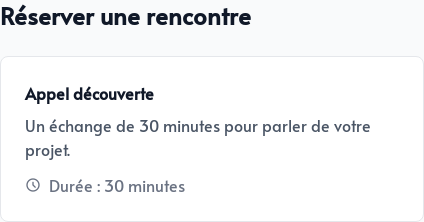
A page missing from the public list remains accessible to anyone with a direct link.
Choose a date and time
The page presents the title, summary and duration of the appointment. Dates that contain at least one availability are highlighted in the calendar.
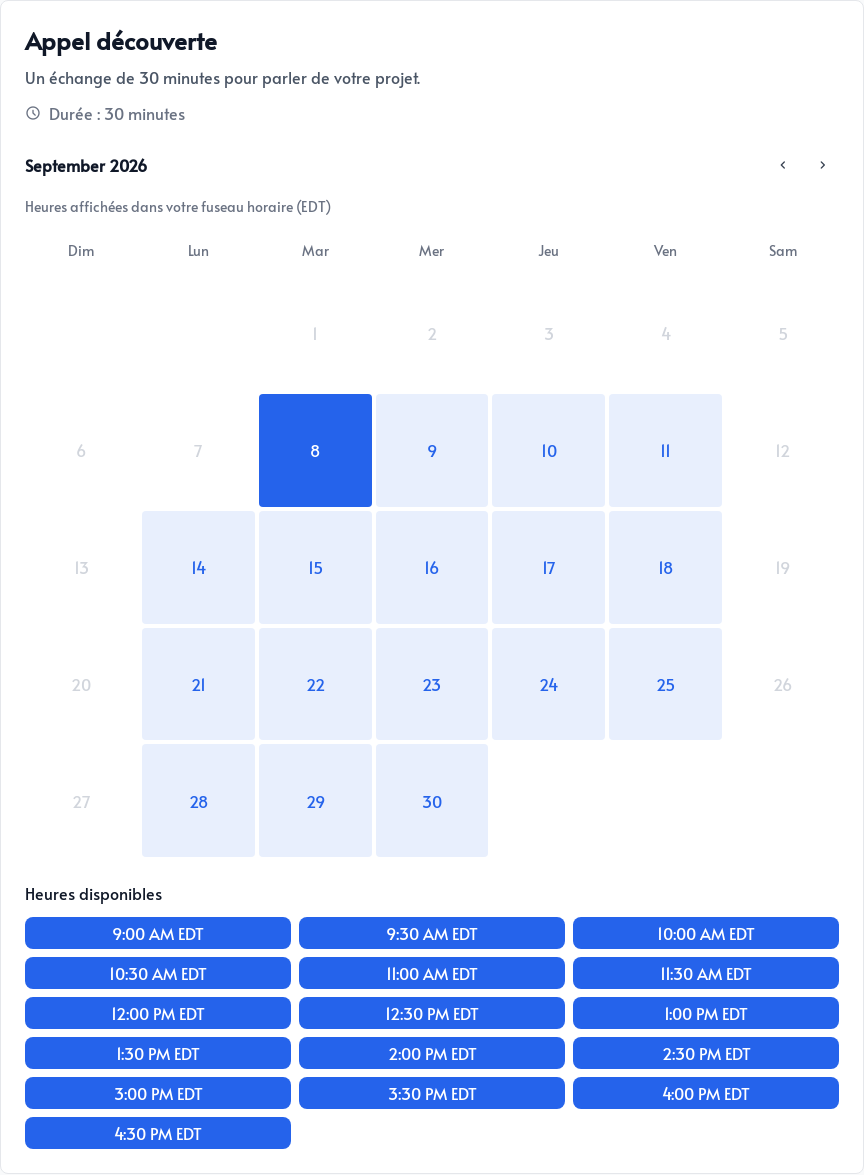
Times are displayed in the visitor’s time zone. After they choose a date, Parle offers only times that account for:
- The schedule set for this page
- Events already in your calendar
- Other confirmed bookings
- The configured booking notice and buffer
Confirm the booking
After selecting a time, visitors enter their first name, last name, and email address. The page’s custom questions also appear on this form. If text reminders are enabled, a mobile phone number is required.
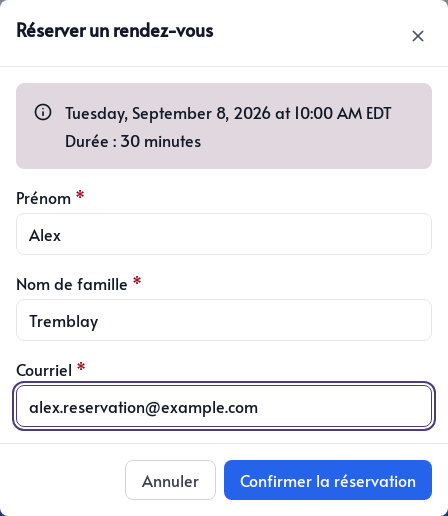
The summary lets visitors review the date, time, and duration before clicking Confirm booking.
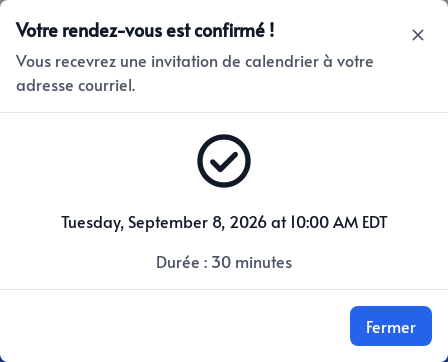
After confirmation
Once the appointment is confirmed:
- You and the person who booked receive an email
- The event is added to your Google or Microsoft calendar
- The person receives an invitation they can add to their calendar
- A Google Meet or Microsoft Teams link is included when online meetings are enabled
- A CRM contact and its tags are added if you enabled these options on the page
The time slot is no longer available to other visitors. The new appointment also appears in the Bookings module.